

Now Reading: OnePlus Rolls Out OxygenOS 15.0.1.506 Update for OnePlus Pad Lite Across India, Europe, and Global Markets
-
01
OnePlus Rolls Out OxygenOS 15.0.1.506 Update for OnePlus Pad Lite Across India, Europe, and Global Markets
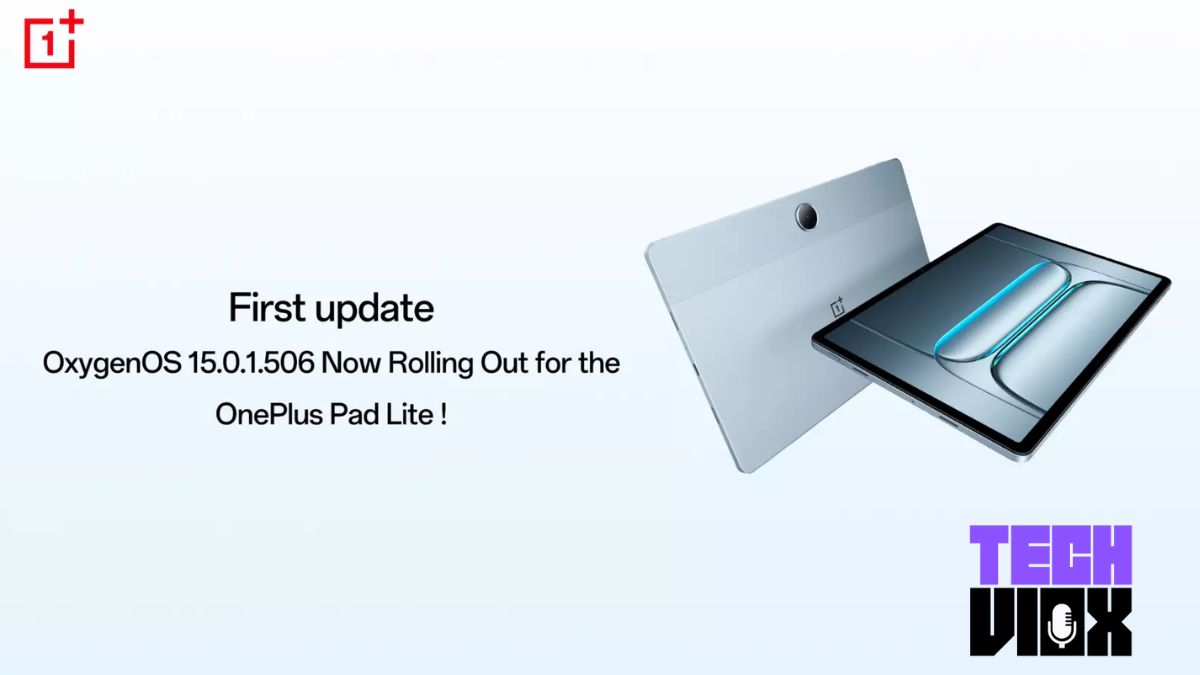
OnePlus Rolls Out OxygenOS 15.0.1.506 Update for OnePlus Pad Lite Across India, Europe, and Global Markets

OnePlus has announced the release of a new software update, OxygenOS 15.0.1.506, for its popular OnePlus Pad Lite. The update is rolling out incrementally across India (IN), Europe (EU), and global regions (GLO), bringing security enhancements, performance boosts, and fresh features to the tablet experience.
Key Update Highlights
Latest Security Patch:
OxygenOS 15.0.1.506 incorporates the July 2025 Android security patch, ensuring that Pad Lite users stay protected from the latest security threats and vulnerabilities on their devices.
System Stability & Performance:
The update introduces several bug fixes and under-the-hood improvements that enhance system stability, reduce lag, and optimize app performance. These changes result in a smoother, more efficient multitasking experience, whether using split-screen mode, floating windows, or switching between apps on the Pad Lite’s large display.
New Features & Refined User Experience:
With OxygenOS 15.0.1.506, OnePlus is enhancing its productivity toolkit. The update introduces AI-powered features such as AI Reply and AI Detail Boost, designed to streamline communication and image processing for users. The multitasking interface now supports enhanced Open Canvas split-screen functionality and more responsive floating windows—ideal for students and professionals on the go.
Connectivity Improvements:
OnePlus has further refined cross-device syncing features, enabling seamless content sharing between the OnePlus Pad Lite and other OnePlus devices running OxygenOS 13.1 or above. This makes it easier than ever to transition work, media, and messages between tablet and phone.
Device Performance:
Running on Android 15 and powered by the MediaTek Helio G100 processor, the update ensures snappy performance and sustained reliability—even with heavy daily use. The Pad Lite’s immersive 11-inch display and quad-speaker setup benefit from ongoing system-level tweaks.
How to Update
The OxygenOS 15.0.1.506 update is being pushed out as an over-the-air (OTA) rollout. Users will receive a notification once the update is available for their device. Alternatively, the update can be checked and installed manually by navigating to Settings > System > System Updates.